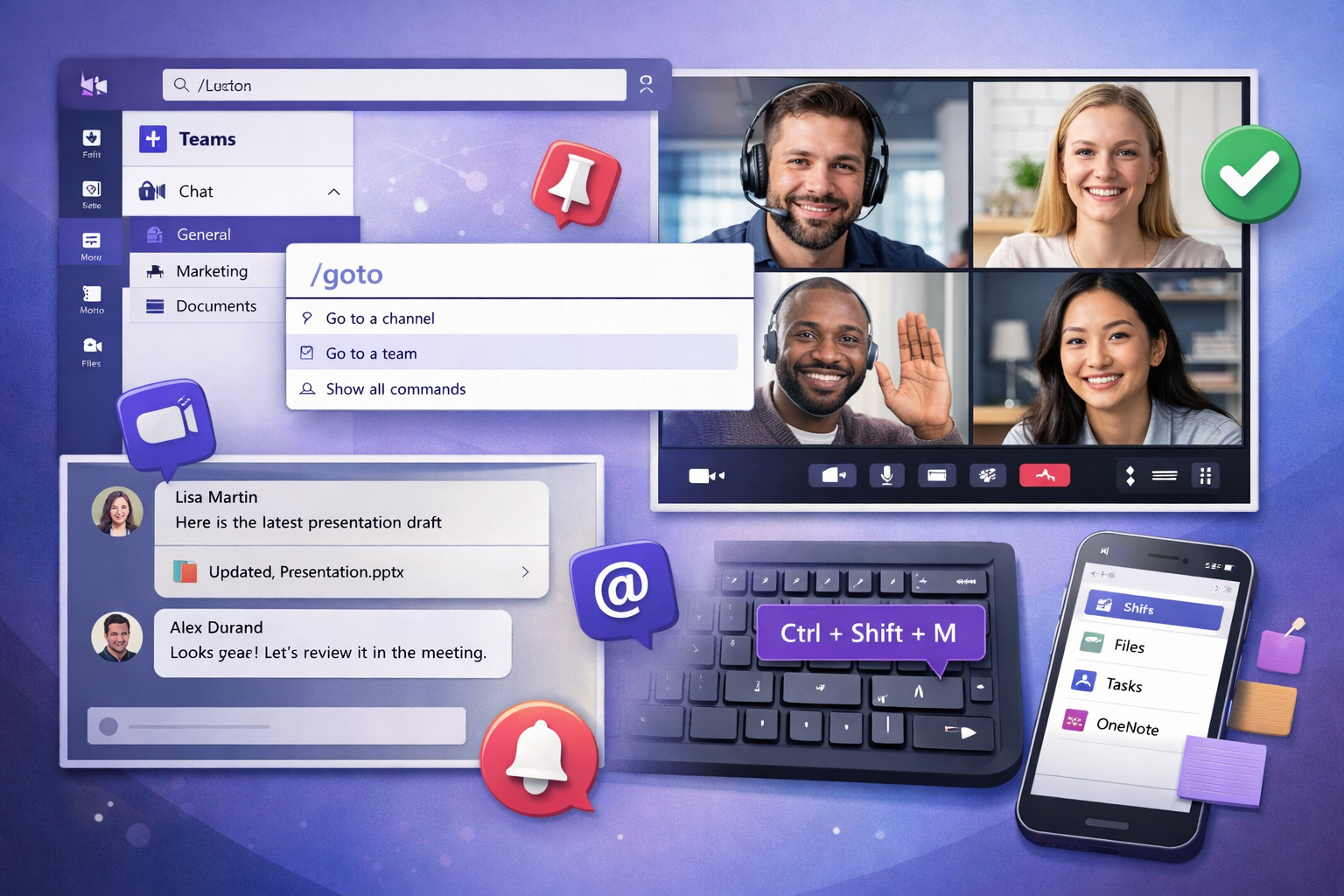
Microsoft Teams has become a central hub for collaboration, meetings, and daily communication. Yet many users only scratch the surface of what it can really do. With the right habits and a few smart tricks, Teams can save you time, reduce distractions, and make collaboration far more efficient. In this article, you’ll discover 10 practical Microsoft Teams tips that you can start using immediately to boost your productivity.
1. Use the search bar as a command tool
The search bar in Microsoft Teams is more powerful than it looks.
Type / to access quick commands:
/unreadto see unread messages/gototo jump to a team or channel/callto start a call instantly
2. Pin your most important channels
Too many teams? Right-click on an important channel and select Pin to keep it at the top of your list.
3. Learn essential keyboard shortcuts
- Ctrl + E : jump to the search bar
- Ctrl + / : view all shortcuts
- Ctrl + Shift + M : mute or unmute your microphone
4. Mark messages as unread
If you can’t reply immediately, right-click a message and mark it as unread so you don’t forget to follow up later.
5. Use mentions wisely
@Name, @Channel, and @Team are useful for getting attention, but overusing them can lead to notification fatigue.
6. Improve your meeting experience
Blur your background or use a custom one to stay professional, even when working remotely.
7. Save important messages
Hover over a message and click Save this message. You can find saved messages later from your profile.
8. Start instant meetings
Inside any channel, click Meet to start a meeting without scheduling it in advance.
9. Customize notifications
Reduce distractions by adjusting notification settings per channel instead of muting everything globally.
10. Turn Teams into your work hub
Add tabs like files, notes, planners, or web apps to centralize all your work tools in one place.